
Fancy Text Generator Turn Plain Text Into 105+ Cool Fonts in One Click
Your bio looks the same as everyone else's. So does your Discord name, your Instagram caption, and that WhatsApp status you've rewritten four times. Type your text once below, and it instantly turns into over 105 Unicode styles bold, cursive, gothic, bubble, glitch, small caps, and dozens more ready to copy and paste anywhere text is allowed. No fonts to download, no apps, no design skills needed.
Type once, get 105 stylish Unicode fonts, effects, and symbols instantly — bold, cursive, gothic, bubble, upside-down, glitch and more. Every result is real text you can paste into an Instagram bio, Discord name, TikTok caption, or anywhere else typing works. No app, no download, nothing stored.
Tap any style below to copy it — or tap the preview above.
What Is a Fancy Text Generator?
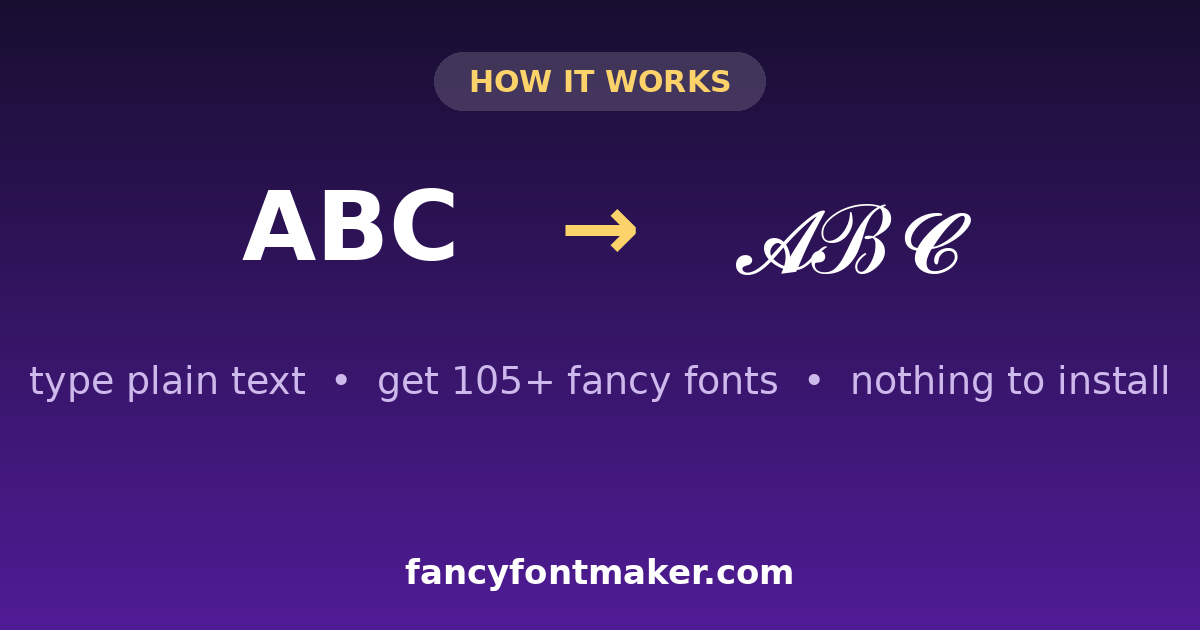
A fancy text generator is a free online tool that converts normal letters (A, B, C…) into stylish-looking characters using Unicode the universal character set built into every phone, browser, and app.
Here's the part most people don't know: fancy text isn't a "font" in the traditional sense. There's no file to install. Every cursive, bold, or bubble letter you see is actually its own unique character that Unicode has assigned a permanent code point to. Your phone already knows how to display it, which is exactly why you can paste 𝓯𝓪𝓷𝓬𝔂 𝓽𝓮𝔵𝓵 or 𝔉𝔞𝔫𝔠𝔶 𝔗𝔢𝔵𝔵 into an Instagram bio and it shows up correctly on almost any device — Android, iPhone, or desktop without needing that "font" installed at all.
That's what separates a real unicode fancy text generator from a gimmick: it works everywhere text works, because it isn't a font it's text.
Everything above runs directly in your browser — nothing you type is sent to a server or stored anywhere. See our Privacy Policy for the full detail on cookies and analytics.
How to Use the Fancy Text Generator
- 1
Type your text
Enter a name, bio, quote, or caption into the input box — English, numbers, or basic symbols all work.
- 2
Browse the styles
Instantly see your text rendered in 105+ fonts: cursive, bold, italic, gothic, small text, bubble, strikethrough, upside-down, and more — updated live as you type.
- 3
Copy and paste
Tap the style you like, hit copy, and paste it straight into Instagram, Facebook, Discord, TikTok, WhatsApp, or your favorite game.
No sign-up, no download, no watermark — just a fast fancy text generator, free every time you use it.
Why This Fancy Text Generator Beats the Rest
There are dozens of fancy font generator tools online, but most fall into two traps: they're cluttered with pop-up ads that break the copy button, or they only offer 10–15 basic styles and call it a day. Here's what's different about this one:
105+ Unicode styles
Not just bold and italic — cursive, gothic/medieval, double-struck, monospace, small caps, fullwidth, circled, bubble, strikethrough, upside-down, and glitch/zalgo.
Real-time preview
Every style updates the instant you type no "generate" button to click and wait for.
One-tap copy
Every style has its own copy button, so you never have to select and highlight text manually.
Works on every platform
Because the output is Unicode, not an image or a custom font file, it pastes correctly into bios, usernames, posts, and captions anywhere.
Mobile-first design
Most fancy text tools were built for desktop first. This one was built for the phone in your hand, since that's where most bios and captions actually get written.
Where People Use Fancy Text (And Why It Works)
Fancy text isn't just decoration it's a small trick that makes profiles, posts, and usernames noticeably easier to notice in a crowded feed.
Instagram →
A stylish bio or caption stands out against a scroll of plain-text profiles one of the easiest, free ways to make a bio feel "on brand."
Discord →
Stylish or glitch-style usernames signal personality instantly, and many communities build entire channels around creative names.
Facebook →
Fancy fonts on a name or post help profiles and Pages get noticed in a feed that's otherwise almost entirely plain text.
A styled status or display name is a quick, no-effort way to personalize a profile that otherwise looks identical to every other contact.
TikTok
Bios and captions made with fancy text help creators' profiles feel more designed — which can affect whether someone taps "follow."
Gaming — Roblox, Free Fire, Minecraft →
Stylish usernames are practically a status symbol in gaming communities. See exact symbol combinations in our guide.
How to Use Fancy Text on Instagram, Discord & TikTok
Using fancy fonts on social media takes under 30 seconds: generate your stylish text above, copy it, and paste it into the app's name or bio field. The exact steps differ slightly per platform — here they are:
Instagram bio and display name
1. Generate your text above and copy the style you like. 2. Open Instagram, go to your profile, tap Edit Profile. 3. Paste it into the Name or Bio field and save. One catch: your @username (handle) only accepts plain letters, numbers, dots, and underscores — so put the stylish version in your display name and bio instead. Pro move: use a script style for your name, bold for your title, and plain text for your call-to-action. Bios with that three-layer look read as designed, not just decorated. More styles: Instagram Fonts.
Discord username and About Me
1. Copy a style from the generator. 2. Open Discord → User Settings → Profiles. 3. Paste it into your display name or About Me and hit Save Changes. Gothic, bubble, and glitch discord fonts get the most attention on server member lists. Full platform rules: Fancy Text Generator for Discord and our Discord fonts guide.
TikTok bio and captions
1. Copy your styled text. 2. Open TikTok → your profile → Edit profile → Bio (or paste straight into a caption while posting). 3. Save. Creators often style just the hook line of a caption and keep the rest plain — it draws the eye without hurting readability.
Stylish Names for Gaming: Free Fire, PUBG, Roblox & More
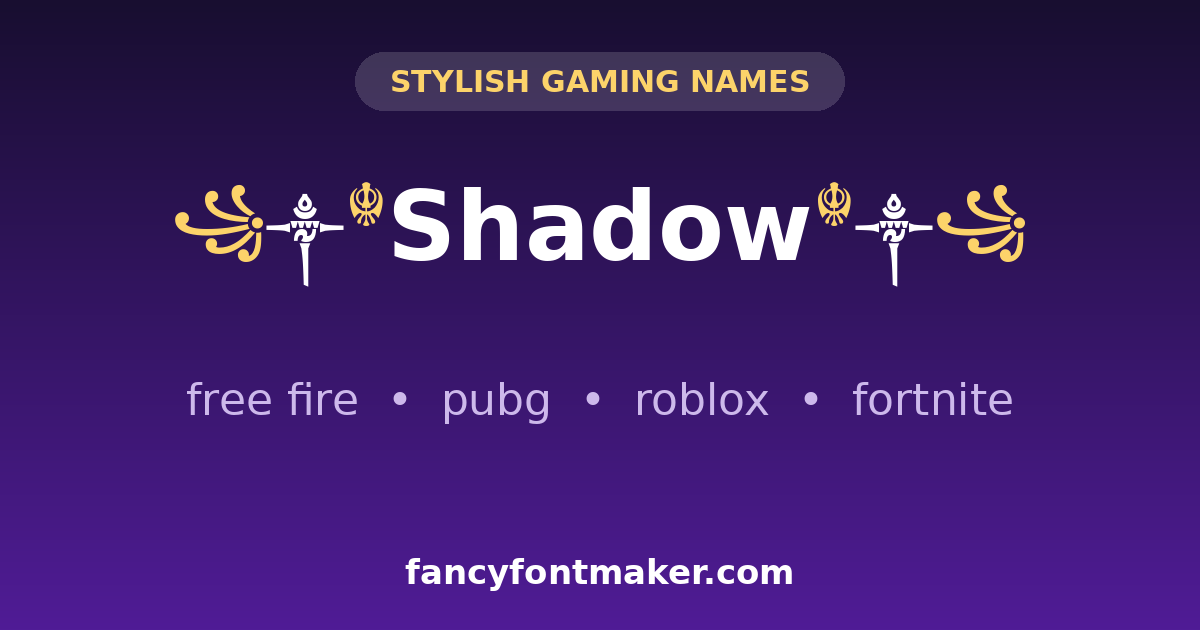
A stylish name is the quickest way to stand out in any game lobby. Most games — Free Fire, PUBG/BGMI, Roblox, Fortnite, Minecraft — accept Unicode stylish names in display-name fields. Two rules: keep names 12–16 characters (game fields are short), and prefer simple styles like bold, italic, or small caps, which get accepted far more often than heavily decorated ones.
A name like ꧁༒☬Shadow☬༒꧂ gets noticed in every lobby — build yours above, then test it in the game before finalizing. If a game rejects your name, strip the outer symbols and try the plain styled version first. Building a full gaming identity? Start with our Free Fire name generator.
Fancy Letters & Symbols: Copy-Paste Decorative Name Combos
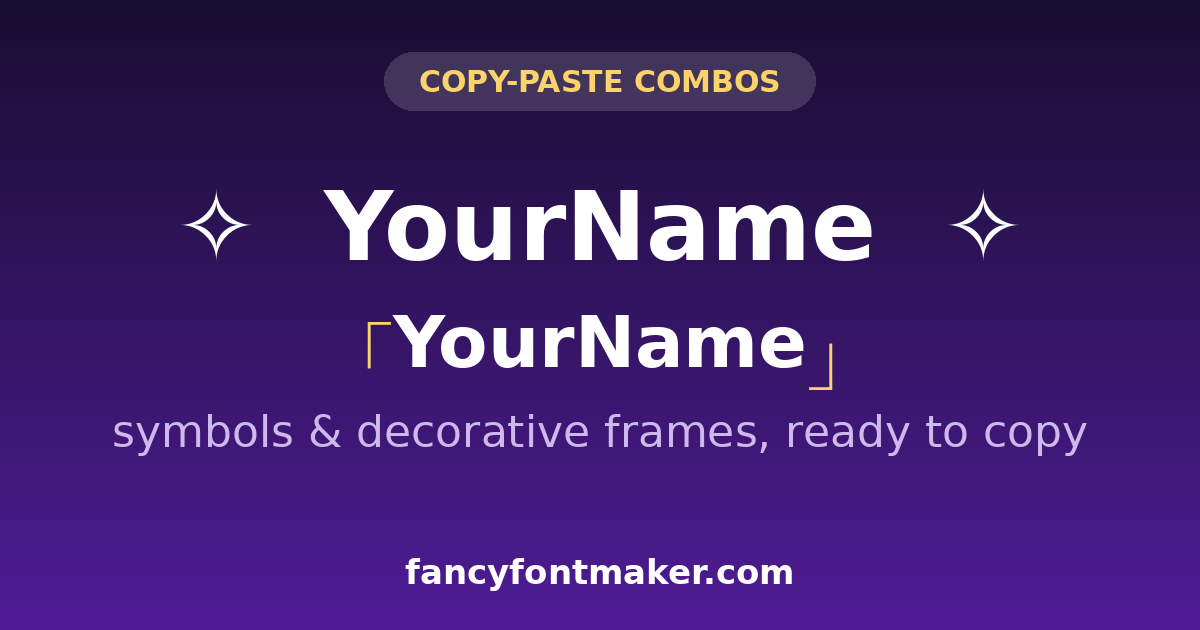
Do not want to build a decorated name yourself? Copy one of these ready-made fancy letter combos — just replace YourName with your own text using the generator above:
- ꧁༒☬YourName☬༒꧂
- ★彡[YourName]彡★
- ╔═══YourName═══╗
- ✧・゚: *✧・゚:* YourName *:・゚✧*:・゚✧
- 「YourName」
- ♛YourName♛
Want combos with more symbols and emoji? See our fancy text generator with symbols and emoji.
Fancy Text Styles You Can Generate
This tool covers the full range people search for, organized by look and feel:
- Bold & Italic — for emphasis in captions, bios, and comments
- Cursive & Script — elegant, handwriting-style text for aesthetic posts. Full breakdown: Cursive Fancy Text Generator
- Gothic / Old English / Medieval — dramatic, heavy-lettered styles
- Bubble & Circled Text — playful, rounded characters
- Small Text / Small Caps — subtle, minimalist styling
- Double-Struck & Monospace — clean, geometric, "coder" aesthetic
- Strikethrough & Underline — for edits, jokes, or emphasis
- Upside-Down & Mirror/Flip Text — novelty text for a laugh
- Symbols & Decorative Borders — framing combinations like ✧ Text ✧ and 「Text」. See Fancy Text Generator with Symbols and Emoji
Looking for Arabic or other right-to-left scripts specifically? That's a genuinely different technical feature (proper RTL rendering, not just Latin styling) and it's on our roadmap, but isn't live yet we'd rather tell you now than have you paste something that doesn't look right.
Fancy Fonts in Action: 12 Stylish Text Styles With Examples
The fastest way to pick a fancy font is to see it. Below, the word "hello" is rendered in 12 of the most-used fancy text styles — bold, italic, cursive, gothic, and more. Every sample is real Unicode text, so what you see is exactly what you will get when you copy it from the generator above:
- Bold — 𝐡𝐞𝐥𝐥𝐨
- Italic — ℎ𝑒𝑙𝑙𝑜
- Bold italic — 𝒉𝒆𝒍𝒍𝒐
- Cursive / script — 𝓱𝓮𝓵𝓵𝓸
- Gothic — 𝔥𝔢𝔩𝔩𝔬
- Double-struck — 𝕙𝕖𝕝𝕝𝕠
- Monospace — 𝚑𝚎𝚕𝚕𝚘
- Small caps — ʜᴇʟʟᴏ
- Circled — ⓗⓔⓛⓛⓞ
- Fullwidth — hello
- Strikethrough — h̶e̶l̶l̶o̶
- Upside-down — oʅʅǝɥ
These are just 12 of the 105+ text fonts in the generator — type your own words at the top of this page to preview them all, from tiny text to glitch text.
Frequently Asked Questions
Is this fancy text generator free to use?
Yes. Every style, every copy button, and every feature on this page is completely free. There's no sign-up, no premium tier, and no limit on how many times you can generate or copy fancy text.
Is fancy text made from actual fonts?
No. Fancy text uses Unicode characters — letters that already exist in the universal character set every device supports — not installed font files. That's why it's often called a "unicode fancy text generator" rather than a font generator, even though it looks like a font change.
Why does my fancy text show up as boxes or question marks somewhere?
Some older apps, certain fonts, or specific platforms (like some username fields) don't render every Unicode range. If a style looks broken in one place, try a simpler style like bold or italic — those tend to have the widest support — or test the text in the destination app before finalizing a username.
Can I use fancy text for my Instagram or Discord name?
Yes, in most cases. Instagram, Discord, Facebook, TikTok, and WhatsApp all accept Unicode fancy text in bios, display names, and captions. Some platforms restrict certain symbol sets in usernames specifically — see our platform-specific guides for exact rules.
Does using fancy text hurt accessibility or screen readers?
It can. Screen readers may read stylized Unicode letters incorrectly or skip them entirely, since they're technically different characters than standard letters. If accessibility for your audience matters — for a business page, for example — keep the core name in plain text and save fancy styling for captions or decorative use.
Can I copy more than one style at a time?
Each style has its own copy button, so you can copy one style, paste it, come back, and grab another. There's no limit to how many times you can copy from this page.
Will fancy text work on Roblox, Free Fire, or Minecraft?
Many gaming platforms accept Unicode in usernames, but some restrict special characters more heavily than social apps do. If a style is rejected, simpler sets like bold, italic, or small caps usually have the best success rate.
Can Instagram or Discord ban me for using fancy text?
No. Fancy text is standard Unicode — the same character set your phone already uses — not a hack, bot, or third-party modification. No platform bans accounts for pasting Unicode into a bio or display name. The only real rule is readability: a bio nobody can read costs you followers, not your account.
Why can't I use fancy text in my Instagram @username?
Instagram restricts handles to plain letters (a–z), numbers, dots, and underscores, so Unicode styles are not accepted there. Your display name — the bold name shown above your bio — accepts them fully. Put the style there and in your bio instead.
Will fancy text look the same on iPhone and Android?
On modern phones, yes for the popular styles. Bold, italic, and small caps have the widest support across devices and apps. Very decorative sets (some gothic or glitch ranges) can show as boxes on older devices — when in doubt, preview the text in the exact app where you will use it before committing to a username.
Can I use fancy text in emails or Word documents?
Yes — it is real text, so it pastes into emails, docs, and messages like anything you type. One caveat: some corporate or older fonts do not include every Unicode range, so a recipient on an old system might see boxes. For important documents, stick to bold, italic, or small caps.
What is the difference between this generator and WhatsApp's *bold*?
WhatsApp's *asterisk* bold and _underscore_ italic only work inside WhatsApp — the app itself renders them, and they turn back into plain text if you copy them elsewhere. Generator output is portable Unicode: it stays styled wherever you paste it — Instagram, Discord, games, anywhere.
Explore More Fancy Text Guides
Want font styles and rules for a specific platform? These go deeper than this page.
Fancy Text Generator for Instagram →
Best styles for bios, captions, and what actually works in the app.
Fancy Text Generator for Discord →
Usernames, nicknames, and why some styles get rejected.
Cursive Fancy Text Generator →
Script, fraktur, and double-struck styles compared.
Symbols & Emoji Guide →
Framing combinations for gamer tags and aesthetic bios.
Fancy Text Generator for Facebook →
Name policy notes and where fancy text is safest to use.
Stop Settling for Plain Text
Type your name, bio, or caption into the generator above, browse through 105+ free fancy fonts, and copy the one that actually looks like you.
Open the GeneratorA fancy text generator is the easiest way to make your words stand out on social media, in messages, and anywhere plain text feels boring. Type your message once, and this free tool instantly converts it into more than 100 stylish fonts — cursive, bold, gothic, bubble, and many more. Just click any style to copy it, then paste it into Instagram bios, Discord chats, TikTok captions, or WhatsApp messages. No sign-up, no downloads, and it works on any device.
How to Use This Fancy Text Generator
Using the generator takes seconds. Type or paste your text into the input box at the top of the page, then scroll through the live previews below. Every style updates in real time as you type. When you find a look you like, click the Copy button next to it — or tap the style itself — and paste it wherever you want. For the best results on Instagram, try the cursive and bold styles in your bio; for Discord, the gothic and bubble fonts get the most attention.
Content creators, gamers, and small businesses all use fancy text to grab attention. Streamers style their Discord server names and channel topics with a Discord font generator, Instagram users make their bios and captions pop with Instagram fonts, and shops use decorative fonts in posts and stories to look more polished. Because the styles are built from Unicode characters, they display correctly on almost every phone, computer, and app — no special software needed.
A quick tip: these fonts work because they use special Unicode symbols that look like styled letters — you can read more about the standard at unicode.org. Not every style suits every situation, though. Script fonts can be hard to read in long paragraphs, so save the fanciest styles for short names, headlines, and
highlights, and keep body text simple for readability.