
Stylish Text Generator
Type once, get 119 stylish text styles instantly — bold, italic, script, underlined, mirrored, upside-down and more. Every result is real text you can paste into an Instagram bio, Facebook post, WhatsApp status, or gaming username. No app, no download, nothing stored.
Tap any style below to copy it — or tap the preview above.
If you want stylish text that stays clean and easy to read, this stylish text generator is the simple route: type your words once and get 119 copy-and-paste styles — bold, italic, cursive, small caps and more. Unlike heavily decorated text, these readable styles keep their shape in bios, usernames and chat messages.
How to Create Stylish Text in 3 Steps
Making your text stylish takes about five seconds. There is no app to install, no account to create, and no limit on how much text you convert.
- Type your text in the box above. Your name, a bio line, a status, anything.
- Pick a style. The generator instantly converts your text into 119 stylish text styles: bold, italic, script, underlined, mirrored, and more. Use the tabs to browse Fonts, Effects, Decorative, and Faces, or search for a style by name. If readability matters, check the ranking table below before picking a heavy style — this converter keeps bold, italic and small caps one tap away.
- Tap any style to copy it, then paste it wherever you want: Instagram, Facebook, WhatsApp, Discord, TikTok, or your gaming username.
That is the whole process. The styles are real Unicode text, not images, so they render anywhere you can type.
119 Stylish Text Styles to Copy & Paste
Every stylish text style below is generated live from whatever you type. Here are the categories people use most:
- Bold & italic text — the most readable choice, supported on virtually every device and app.
- Script & cursive styles — elegant lettering that makes bios and display names stand out.
- Underlined & strikethrough — simple effects that draw the eye in comments and captions.
- Mirrored & upside-down text — playful flips that get attention in chats and comments.
- Decorative frames — your words wrapped in stars, hearts, arrows, and dozens of symbol borders.
- Mini text & wide text — tiny superscript styles or extra-spaced letters for a distinct look.
Type once and scroll through all 119 styles to find the one that matches your mood. Looking for pure font-style transformations instead? Try our fancy font generator.
Stylish Text for Instagram, Facebook & WhatsApp
On Instagram, stylish text works in your display name, bio, captions, and comments. Your display name (the bold line above your bio) gets the most eyeballs, so that is the best place for a script or bold style. Remember that @usernames only allow plain letters, numbers, periods, and underscores.
On Facebook, stylish text works in posts, comments, your profile name, and page posts. A bold or underlined hook line at the start of a post can lift read-through, but keep the body text plain for readability. More platform-specific ideas on our Facebook fonts page.
On WhatsApp, stylish text works in your profile name, about line, status updates, and messages. It is an easy way to make your name recognizable in busy group chats. For Instagram-specific styling, see our Instagram fonts page.
Stylish Names for Gaming (Free Fire, PUBG, BGMI)
A stylish gaming name gets remembered. Most mobile games (Free Fire, PUBG Mobile, BGMI, COD Mobile) accept Unicode characters in display names, so you can build names with gothic letters, symbol frames, and decorative dividers directly in the generator above.
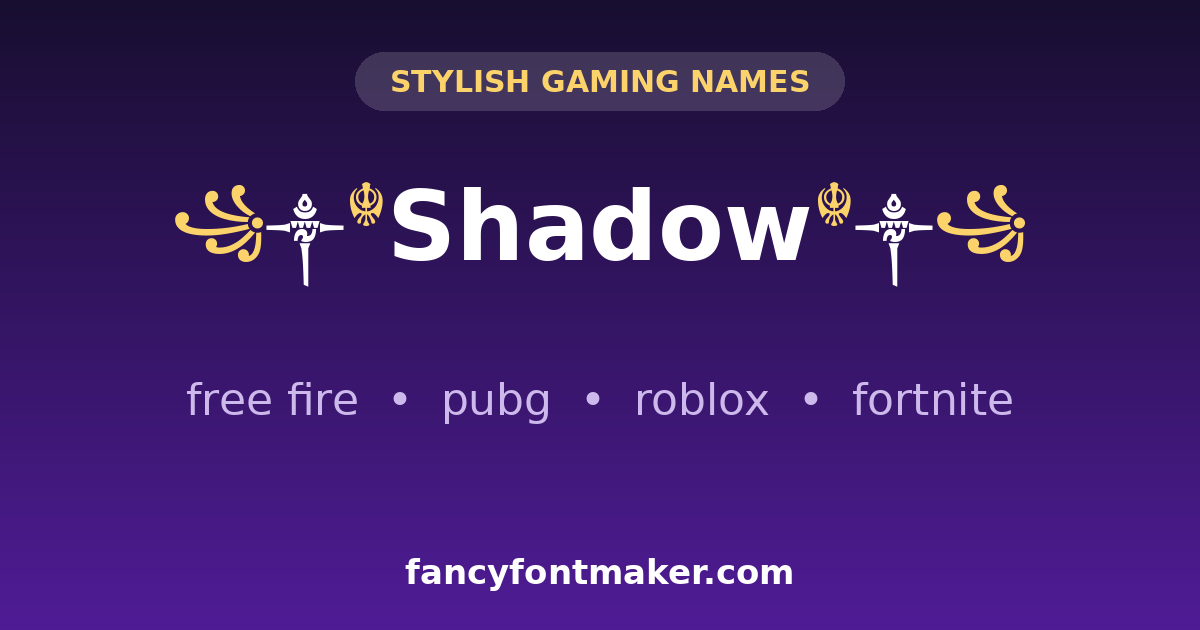
Two tips from experienced players: first, keep the core of your name readable — a name nobody can read is a name nobody remembers. Second, if a game rejects your name on save, strip out the rarest symbols first. For some titles block specific characters. For names built specifically for battle royale, try our Free Fire name generator.
Want even more options? Our fancy name generator creates 119 stylish versions of any name.
Stylish Text vs Fancy Text: Which Should You Use?
The two terms overlap heavily, and the same generator powers both. In practice, “stylish text” usually means clean, readable transformations: bold, italic, script, underlined, and lightly decorated text. “Fancy text” is the broader umbrella and also covers heavily decorated text with emoji, symbol frames, and kaomoji.
If you want text that stays readable while looking sharp, stylish text is the right pick — and you are in the right place. If you want maximum decoration with symbols and emoji, visit our fancy text generator homepage. And for typeface-style fonts specifically, see the fancy font generator.
Stylish Text — Clean, Readable Styles for Bios, Names & Messages
Stylish text works best when people can still read it at a glance. A short Instagram bio, a WhatsApp status or a gaming name looks sharper in a clean bold or cursive style than in text wrapped in symbols — the words stay the message, and the style just gives them polish.
Every style here is built from Unicode characters, so your stylish text pastes into Instagram, TikTok, Facebook, WhatsApp, Discord and games without an app or a font download. For symbol-heavy and decorated looks instead, the fancy text generator on our homepage has the full decorative range.
Which stylish text styles are easiest to read?
Think of this page as a stylish text maker with a readability job, not just a decoration job: every font style generator below changes the same letters, but some keep them easy to read and some do not. The table ranks the ten style families in this tool from easiest to hardest to read, using one name — Sara — so you can compare them side by side:
| Style family | “Sara” as shown | Readability | Best use |
|---|---|---|---|
| Bold | 𝐒𝐚𝐫𝐚 | Easiest | Bios, names, headings — everywhere |
| Italic | 𝑆𝑎𝑟𝑎 | Easiest | Bios, captions, emphasis |
| Small Caps | sᴀʀᴀ | Easiest | Names, short bios — letters count once |
| Script | 𝒮𝒶𝓇𝒶 | Easy, elegant | Display names, short bios |
| Fraktur | 𝔖𝔞𝔯𝔞 | Medium | Short names, headings — harder at small sizes |
| Double-Struck | 𝕊𝕒𝕣𝕒 | Medium | Short names, headings |
| Monospace | 𝚂𝚊𝚛𝚊 | Medium | Captions, code-like looks — wide spacing |
| Fullwidth | Sara | Medium-low | Headings only — extra-wide, wastes space |
| Circled | Ⓢⓐⓡⓐ | Low | Single letters / initials only |
| Upside-down | ɐɹɐS | Lowest | Jokes and comments only — never a name people must find |
For stylish text copy paste, tap any row’s style in the tool above — bold, italic and small caps are the safe picks when the words themselves matter most.
Frequently Asked Questions
What is stylish text?
Stylish text is normal text converted into decorative Unicode styles like bold, italic, script, underlined, or mirrored letters. You generate it with a free tool, copy it, and paste it anywhere: social media bios, Facebook posts, WhatsApp messages, Discord display names, or gaming usernames.
How do I make my text stylish?
Type your text in the generator box above, browse the 119 styles, and tap any style to copy it. Then paste it into Instagram, Facebook, WhatsApp, or wherever you want it to appear.
Is the stylish text generator free?
Yes, completely free. No signup, no limits, no watermarks. Create as much stylish text as you like and use it anywhere.
Where can I use stylish text?
Anywhere you can type: Instagram bios and captions, Facebook posts and comments, WhatsApp chats and status, Discord display names, server nicknames, messages and bio, TikTok captions, and most mobile games. The one common exception is Instagram @usernames, which only allow plain letters, numbers, periods, and underscores.
Will stylish text work on all phones and apps?
Almost always. Stylish text is plain Unicode, so it works on iPhone and Android in all major apps. Very decorative styles can show as boxes on older devices — if that happens, switch to a simpler style like bold or italic, which work everywhere.
What is the difference between stylish text and fancy text?
They overlap a lot. “Stylish text” usually means clean, readable transformations like bold, italic, and script, while “fancy text” is the broader term that also covers heavily decorated text with emoji and symbol frames. The same generator creates both.
Which stylish text styles are easiest to read?
Bold, italic, cursive and small-caps styles are the easiest to read, because they keep the familiar letter shapes while changing the weight or slant. Save heavily decorated or symbol-wrapped styles for short names and headings, where readability matters less.
Is a stylish text generator the same as a stylish font generator?
They do the same job in practice: both turn plain text into stylish fonts you can copy and paste. The styles are Unicode characters rather than installed fonts, which is why they display on phones and in apps without any download.
Can I use stylish text in a Discord username?
No — a Discord username only allows lowercase letters, numbers, underscores and periods (2–32 characters), so no styled letters work there. Use stylish text in your Discord display name (1–32 characters, full Unicode) or server nickname instead — that is where it actually shows. Our Discord font generator page explains every surface.
Which stylish style should I use for a gaming name?
Keep the readable core first: bold and small caps are the safest, because they stay legible at lobby size and in kill feeds. A heavy style like fraktur or double-struck works for a short name, but if the game rejects it on save, strip out the rarest symbols first — some titles block specific characters. The ranking table on this page shows the trade-off for every style family.
Want bolder, edgier styles instead? The cool text generator goes the other way — gothic, glitch and decorative looks with maximum attitude.