
Fancy Font Generator
Type once, get 119 fancy fonts instantly — bold, cursive script, gothic blackletter, bubble letters, upside-down and more. Every result is real text you can paste into an Instagram bio, Discord name, WhatsApp status, or gaming username. No app, no download, nothing stored.
Tap any style below to copy it — or tap the preview above.
Looking for a font generator you can copy and paste from? Type your text above and this fancy font generator turns it into 119 stylish fonts — bold, italic, cursive, gothic and more — ready to paste into Instagram bios, Discord names, WhatsApp chats and games. Every style is real Unicode text: no downloads, no fonts to install, no sign-up.
How to Use the Fancy Font Generator
Using the fancy font generator takes about five seconds. There is no app to install, no account to create, and no limit on how much text you convert.
- Type your text in the box above. Your name, a bio line, a caption, anything.
- Pick a style. The generator instantly converts your text into 119 fancy font styles: bold, italic, cursive script, gothic blackletter, bubble letters, and more. Use the tabs to browse Fonts, Effects, Decorative, and Faces, or search for a style by name.
- Tap any style to copy it, then paste it wherever you want: Instagram, Discord, WhatsApp, TikTok, or your gaming username.
That is the whole process. The styles are real Unicode text, not images, so they work anywhere you can type.
119 Fancy Font Styles to Copy & Paste
Every fancy font style below is generated live from whatever you type. Here are the most popular categories:
- Bold & italic fonts — the safest choice, supported on almost every device and app.
- Script & cursive fonts — elegant and perfect for bios and display names.
- Gothic & blackletter — dark, edgy, and hugely popular for gaming names.
- Bubble & circled letters — playful styles that stand out in comments.
- Decorative frames — your text wrapped in stars, hearts, crowns, lightning bolts, and dozens of other decorations.
- Text effects — upside-down, mirrored, strikethrough, and glitch styles for a chaotic look.
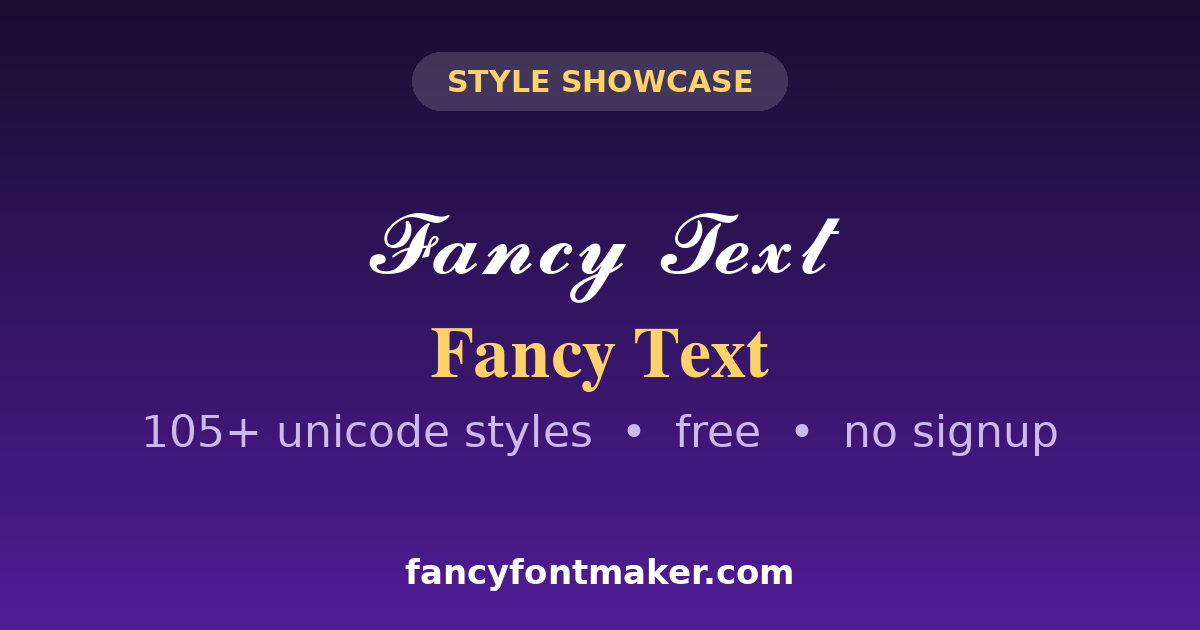
Type your text once and scroll through all 119 styles to find the one that fits your vibe. If you want even smaller text to pair with these fonts, try our small text generator.
Fancy Fonts for Instagram Bio, Captions & Comments
Instagram is where fancy fonts shine brightest. Your display name (the bold line above your bio) is the highest-impact spot: it is the first thing people read on your profile, and a script or bold font there instantly makes your profile memorable. Note that Instagram @usernames are restricted to plain letters, numbers, periods, and underscores, but your display name, bio, captions, and comments accept fancy fonts without any problem.
A few combinations that work well: a cursive font for your display name, a clean bold font for the first line of your bio, and decorative dividers between bio lines. For captions, use fancy fonts sparingly on the hook line only; a whole caption in gothic blackletter is hard to read and hurts engagement. Our Instagram fonts page has more ideas tailored for the platform.
Fancy Fonts for Discord, WhatsApp & Gaming Names
On Discord, fancy fonts work in usernames, server nicknames, channel names, and messages. Gothic and double-struck styles are the classic Discord look. One warning: some servers block excessive symbols in nicknames, so check the server rules before going overboard. More detail in our Discord font generator guide.
On WhatsApp, fancy fonts work in your profile name, status, and messages. They are a simple way to make your contact name recognizable in group chats.
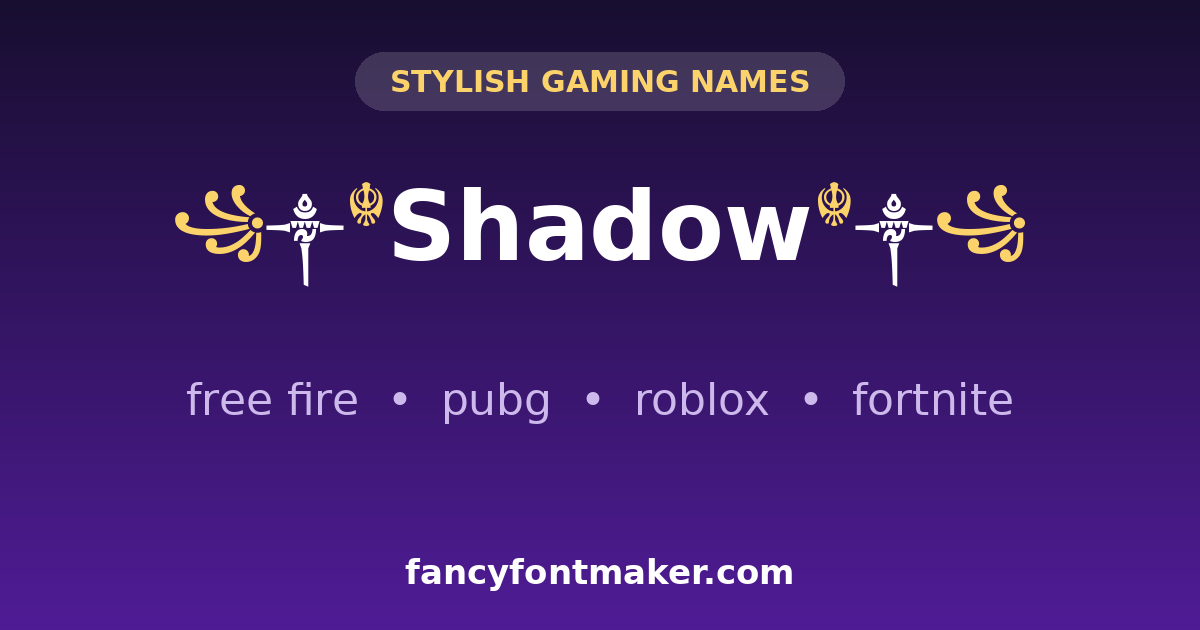
For gaming, a stylish name is half the intimidation. Most mobile games (Free Fire, PUBG Mobile, COD Mobile) accept Unicode symbols in display names, though some block the rarest characters. If a name will not save, remove the most unusual symbols first. Our Free Fire name generator is built specifically for gaming names with symbols.
Fancy Font vs Fancy Text: What Is the Difference?
People use the two terms interchangeably, and honestly the tool behind them is the same: both convert your words into stylish Unicode characters. The difference is mostly emphasis. “Fancy font” usually means typeface-like styles that mimic different fonts: bold, italic, script, gothic, monospace. “Fancy text” is the broader term and also covers decorative text with symbols, emoji, and frames around it.
If you want pure font-style transformations, you are in the right place. If you want text decorated with symbols and emoji, head to our fancy text generator homepage, which covers the full range.
Why Some Fancy Fonts Show as Boxes
Occasionally a fancy font shows up as empty boxes instead of letters. This is not a bug in the generator: it means the device reading the text does not have that Unicode character in its fonts. It happens most with very decorative styles on older phones or outdated operating systems.
The fix is simple. First, update the device software. Second, stick to widely supported styles (bold, italic, basic script) when your audience might be on older devices. Third, always test an important name or bio on a second device before committing to it. When in doubt, the simpler the style, the more places it works.
Font Generator — Copy & Paste Fonts for Any App
A font generator converts the text you type into different-looking letters you can copy and paste. Unlike a font you download and install, an online font generator like this one builds every style from Unicode characters, so the text you copy keeps its look everywhere — on phones, in apps and in games. That is why searches for a “font generator copy and paste” tool land here: there is nothing to install and nothing to pay for.
Use it as a text font generator for names, bios and headings: type once, scroll the 119 styles, and copy the one that fits. The Fonts tab holds the clean alphabets — bold, italic, script, gothic, monospace — while the Decorative styles add frames and symbols for names that need to stand out. If a style ever shows as a box in an app, that app is missing the character; switch to a simpler bold or sans style and it will display everywhere.
For a specific job there are dedicated pages too: the Discord font generator for servers, Instagram fonts for bios, and the fancy text generator on the homepage for the full all-purpose toolbox.
Frequently Asked Questions
What is a fancy font generator?
A fancy font generator is a free online tool that converts normal text into stylish Unicode font styles like bold, italic, cursive, gothic, and bubble letters. You type once, pick a style, copy it, and paste it anywhere: social media bios, Discord names, WhatsApp messages, or gaming usernames.
Is the fancy font generator free to use?
Yes, completely free. No signup, no limits, no watermarks. Generate as many fancy fonts as you like and use them anywhere.
Will fancy fonts work on Instagram, Discord, and WhatsApp?
Yes. Fancy fonts are plain Unicode text, so they work in Instagram bios and display names, Discord usernames and messages, WhatsApp names and chats, TikTok captions, and most games. Instagram @usernames are the one exception: they only allow plain letters, numbers, periods, and underscores.
Why do some fancy fonts show as boxes on my phone?
Boxes mean your device is missing that Unicode character. Update your phone software, or switch to a more common style like bold or italic, which work on virtually every device.
What is the difference between fancy fonts and fancy text?
“Fancy font” usually refers to typeface-like styles (bold, script, gothic), while “fancy text” is the broader term covering decorative text with symbols and emoji too. The same generator powers both.
Can I use fancy fonts in my Free Fire or PUBG name?
In most cases, yes. Both games accept Unicode characters in display names. If a name will not save, remove the rarest symbols first, as some games block specific characters.
What is a font generator?
A font generator is an online tool that turns the text you type into different letter styles you can copy and paste. This one uses Unicode characters instead of downloadable fonts, so your styled text works in apps and games without installing anything.
Can I copy and paste these fonts anywhere?
Almost anywhere. The 119 styles paste into Instagram, Discord, WhatsApp, TikTok, Facebook and most games. Some username fields block special characters, and older devices may show rare symbols as boxes — simpler styles like bold work everywhere.