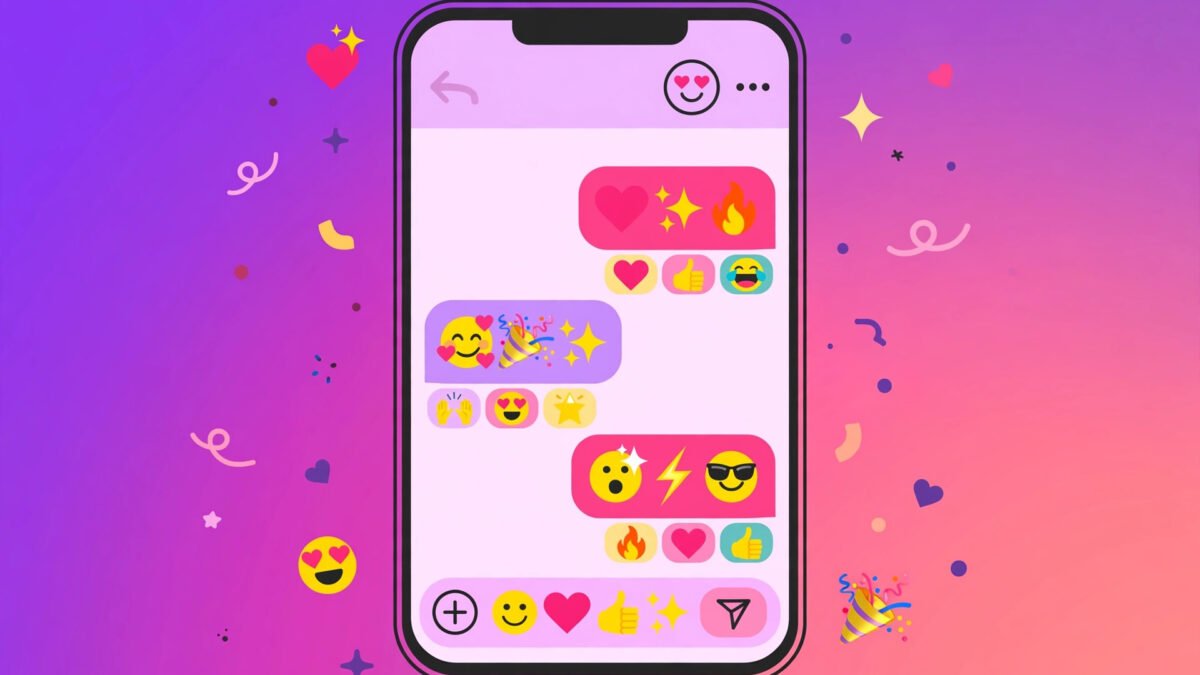
Type once, get 119 fancy fonts instantly — bold, cursive script, gothic blackletter, bubble letters, upside-down and more. Every result is real text you can paste into an Instagram bio, Discord name, WhatsApp status, or gaming username. No app, no download, nothing stored.
Tap any style below to copy it — or tap the preview above.
A fancy text generator with emoji takes your plain words and dresses them up twice — first with stylish Unicode fonts, then with expressive emoji woven right into the text. The result is a message that looks less like typed text and more like a tiny piece of design: think sparkles framing a script greeting, or moons around a bold good-night message. These combos work anywhere you can paste text, and they’re especially popular in Instagram bios, Discord messages, and TikTok comments where standing out matters. Best of all, you don’t need any special app — just type, copy, and paste.
What Is a Fancy Text Generator with Emoji?
At its core, a fancy text generator with emoji combines two Unicode tricks. First, it converts your letters into styled variants — script, bold, gothic, or bubble characters that look like different fonts. Second, it adds emoji and decorative symbols around or between your words. The two layers are independent: you can use the font style alone, the emoji alone, or both together for maximum effect.
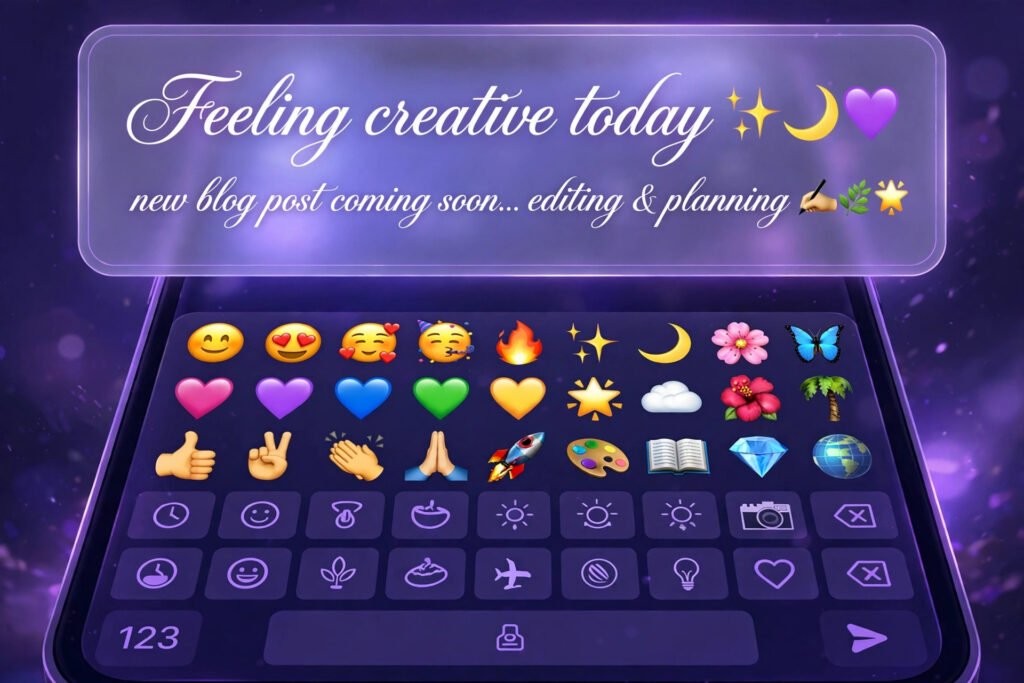
What makes this different from a regular emoji keyboard is intent. A keyboard inserts emoji as separate pictures. A fancy text generator with emoji treats the emoji as part of the typography — framing words, replacing letters for emphasis, or creating repeating borders. The output is still plain text, which means it works in any app that accepts text input, from social media to messaging apps to game chats.
The key thing to understand is that nothing here is an actual ‘font’ in the traditional sense. Your phone isn’t downloading anything. The generator swaps your characters for lookalike Unicode symbols — you can browse the full character sets in the official Unicode charts — that your device already knows how to display. That’s why the text works across apps without any installation.
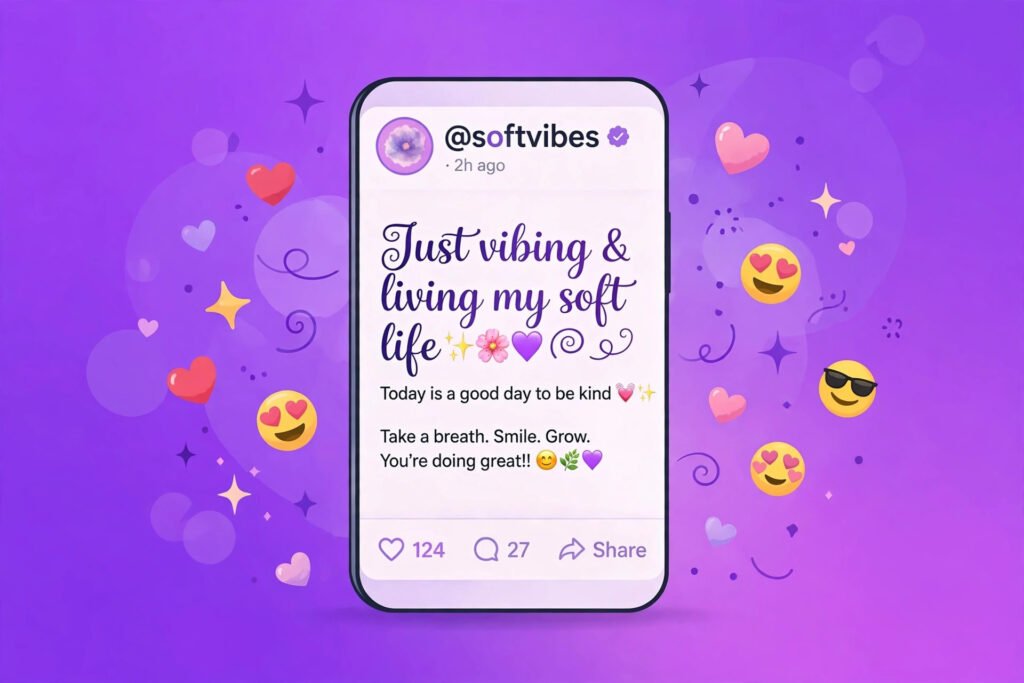
How to Use a Fancy Text Generator with Emoji
Using the tool takes less than a minute. Here’s the process that gives the best results:
- Type your text. Enter the word, name, or short phrase you want to style into the generator’s input box. Shorter is better — emoji text shines in bios, names, and headlines, not paragraphs.
- Pick a font style. Browse the Unicode font options — cursive for elegance, bold for impact, gothic for drama. The preview updates live so you can see exactly what you’ll get.
- Add your emoji. This is the creative part. Place emoji at the start and end, between words, or use symbols as accents. Matching pairs look cleanest — the same sparkle at both ends, or moons framing a phrase.
- Copy the whole thing. Select the combined result — font styling plus emoji — and copy it in one go. Pasting it as a single block keeps the design intact.
- Paste where you want it. Drop it into your Instagram bio, a Discord message, a TikTok comment, or anywhere else. If something looks off, try a simpler combination — fewer elements almost always read better.
Where Emoji Text Works Best
Not every platform treats emoji text equally. Here’s where it shines:
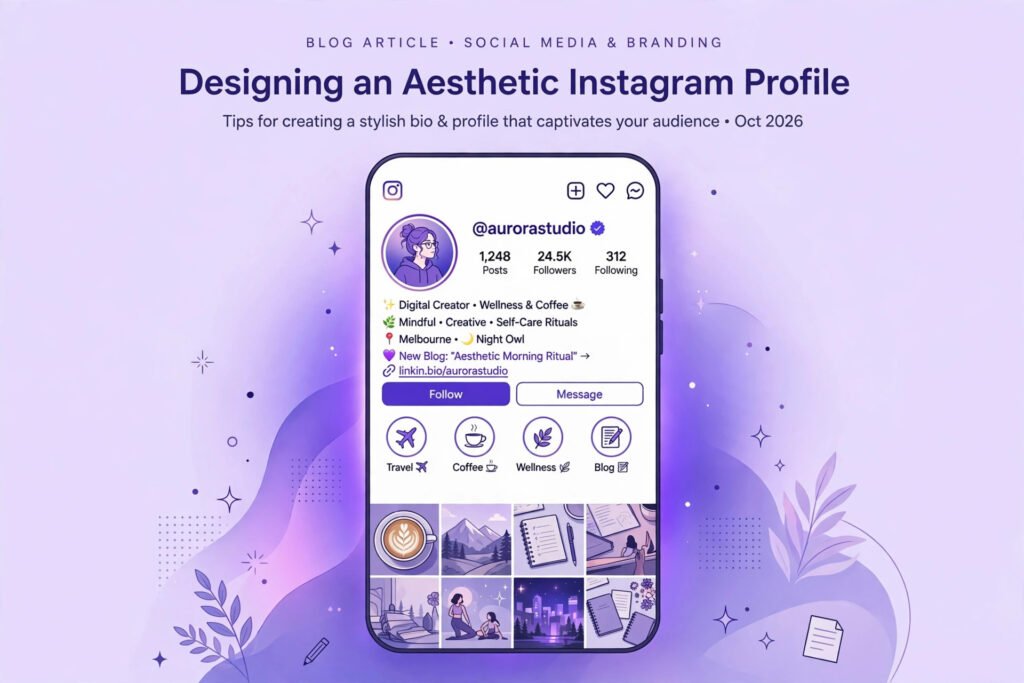
Instagram bios are the classic use case. You have 150 characters to make an impression, and a decorated line instantly signals your vibe. Pair a script font with soft emoji for an aesthetic feel, or bold text with striking symbols for a creator account. For pre-made combinations, try our dedicated fancy text generator with symbols and emoji, or start from the main fancy text generator and add your own emoji.
Discord is another great fit. Styled names stand out in member lists, and emoji-framed announcements get read more often in busy servers. The desktop and mobile apps render Unicode consistently, so what you design is what others see.
TikTok comments reward visual creativity. A well-placed emoji-text comment on a popular video can earn hundreds of likes on its own — it’s essentially a tiny piece of content competing for attention in a fast-scrolling feed.
If you prefer decoration without emoji, the text with symbols generator offers stars, hearts, and dividers for the same polished look.
Tips for Mixing Emoji with Unicode Fonts
Getting the mix right takes a little practice. These guidelines help:
- Match the mood. Pair playful emoji with lighter fonts like cursive or bubble. Pair bold or gothic fonts with stronger symbols. A mismatch — delicate flowers around aggressive gothic text — looks accidental.
- Less is more. One emoji pair framing your text beats five different emoji crammed together. If you’re using a decorative font AND emoji AND symbols, pick two of the three. Overdecorated text becomes unreadable, especially on small phone screens.
- Test on mobile. Most people will see your text on a phone. What looks balanced on a desktop monitor can feel cluttered on a 6-inch screen. Always preview your final combination on your phone before committing it to a bio.
- Keep a plain version. For anything important — your display name on a professional account, contact info, event details — keep plain text nearby. Emoji text is decoration; critical information should always be readable by everyone, including screen readers.
What Doesn’t Work: Emoji Text Limits
Emoji text isn’t magic, and it has real limits worth knowing. Some platforms strip exotic characters — a few apps with strict filters remove or block unusual Unicode, so if your text disappears or shows as blank boxes, try a simpler combination. Usernames are restricted almost everywhere: Instagram, Twitter, and most games only allow plain letters, numbers, and underscores in @handles, though display names and bios are fair game. Search also breaks — nobody can find your stylized text by typing the plain version, so don’t use it for anything people need to search for or tag. And screen readers often announce each Unicode character individually, which means essential information should never exist only in styled text.